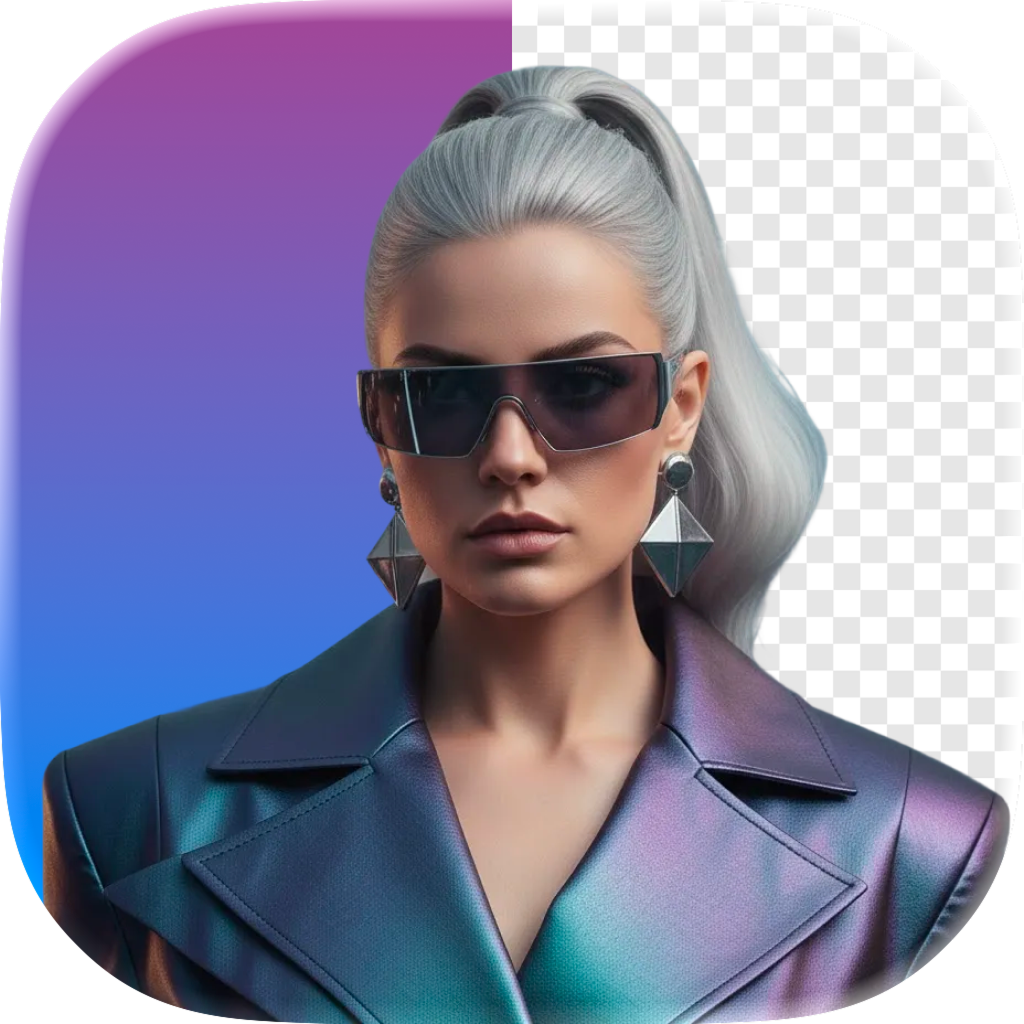
Background Remover
Transform your photos in seconds. Erase, blur, or pixelate any part of your image exactly the way you want.

What You Can Do
Powerful photo editing tools at your fingertips
Remove Backgrounds
Instantly remove the background from any photo with one tap. Perfect for product shots, profile pictures, and creative projects.
Blur Backgrounds
Create gorgeous portrait-style bokeh blur effects. Make your subject stand out with professional-looking depth of field.
Pixelate Areas
Pixelate sensitive information or specific regions in your photos. Protect privacy while keeping the rest of your image intact.
Works Everywhere
Available on iPhone, iPad, and Mac. Edit your photos on any Apple device with a consistent, intuitive experience.
Fast Processing
AI-powered processing delivers results in seconds. No waiting, no uploads to the cloud. Everything happens on your device.
Completely Free
No subscriptions, no in-app purchases, no hidden fees. Every feature is available to you for free, forever.
Frequently Asked Questions
Everything you need to know about Background Remover
Is Background Remover free?
What devices does Background Remover support?
Can I blur the background of a photo?
Does Background Remover collect my data?
How do I download Background Remover on Mac?
What image formats are supported?
Ready to Transform Your Photos?
Download Background Remover for free and start editing in seconds.